
Your registration page is ready, but the program isn't. Reviewers still need assignments, speakers haven't uploaded disclosures, and the education team needs to know how attendance will become credit records. Meanwhile, someone has suggested using the same ticketing tool that worked for the annual benefit dinner.
The right nonprofit event software depends on the program you run, not your nonprofit status. A gala needs donation handling, guest management, and possibly mobile bidding. A scientific conference needs submission records, review decisions, session development, and speaker preparation. A continuing-education program adds evaluations, eligibility rules, certificates, and records that staff must be able to explain later.
For medical and scientific associations, start with conference and education systems. For community fundraisers, start with fundraising platforms. A workshop series may need only registration and communications, unless participants also earn credits or complete assessments.
Use these distinctions to narrow your shortlist:
- Complex conference programs: Prioritize abstract review, session building, speaker tasks, and disclosures.
- Education administration: Prioritize attendance evidence, configurable credit rules, evaluations, and certificate records.
- Fundraising events: Prioritize donations, auctions, guest checkout, and finance reconciliation.
The options below aren't interchangeable. Their strengths become clearer when you ask vendors to demonstrate the work your staff must finish, rather than compare landing pages or count features.
Table of Contents
- 1. Planstone
- 2. EventsAir
- 3. Cadmium Eventscribe
- 4. Cvent
- 5. Accelevents
- 6. TPNI
- 7. Ex Ordo
- 8. PheedLoop
- 9. Zeffy
- 10. GiveSmart
- How the Ten Nonprofit Event Software Options Differ on Pricing, Best Fit, and Core Workflows
- Settling the Key Questions Before You Request Quotes
1. Planstone
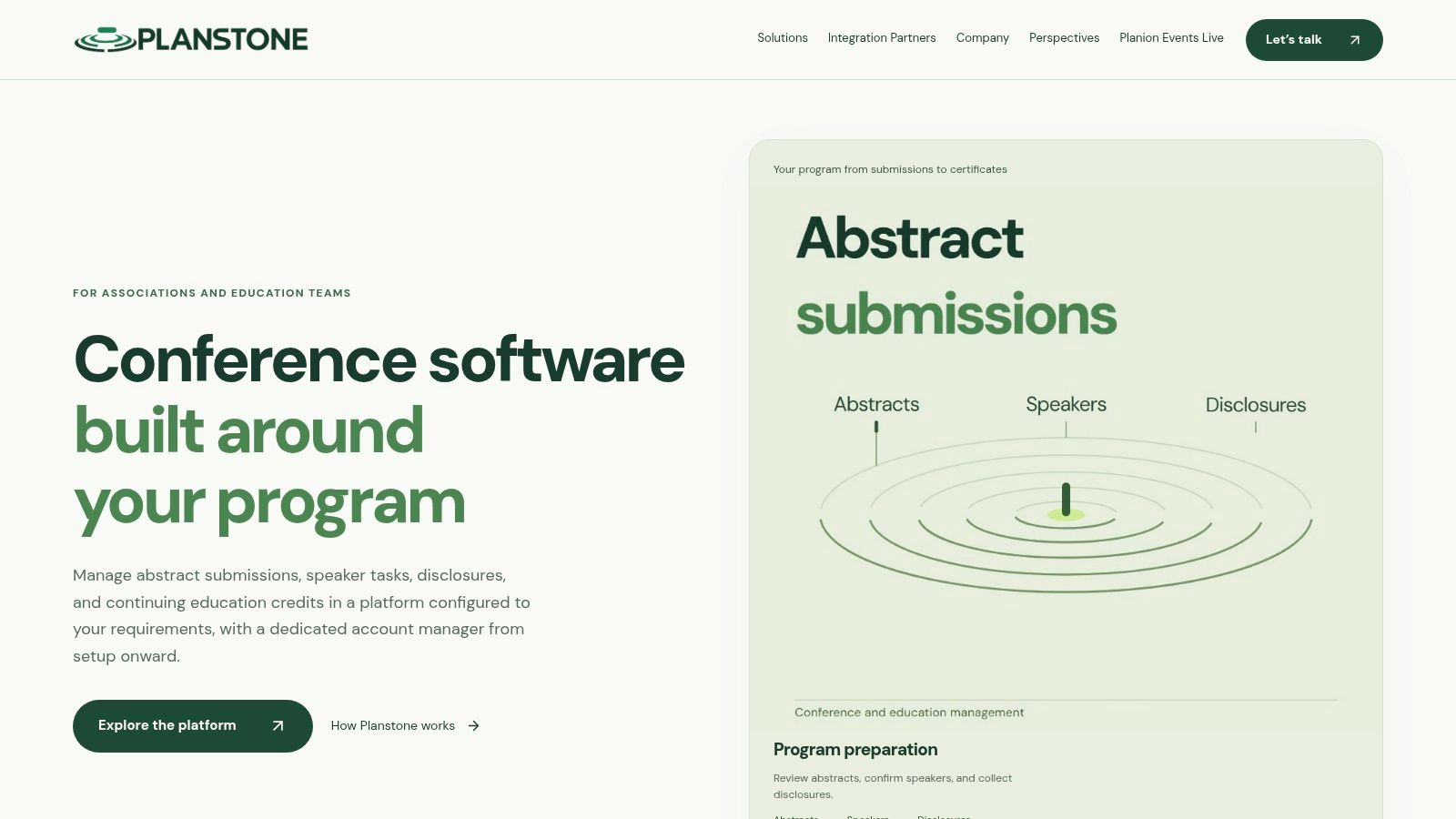
Planstone fits associations and education teams running abstract-heavy, continuing-education programs, particularly medical and scientific ones, where review decisions must reach speaker records and disclosures must close before certificates are due. Our platform connects abstract submissions, multilevel reviews, session building, speaker tasks, financial disclosures, handouts, evaluations, credits, and certificates.
Teams can run a single module beside existing systems or bring submissions, speakers, and continuing-education administration into one configured platform. Forms, reports, review processes, and branding reflect the organization's requirements rather than a fixed template.
Where the specialist approach helps
Our session-building workspace, developed with the American Physical Society, lets sorters filter abstracts, drag submissions into sessions, and stay within session-time limits. Speaker coordinators track outstanding tasks and files in one portal, while education administrators collect participant feedback, apply program-specific credit rules, and release certificates. Handout access can be controlled before, during, and after the event.
Coordination across program stages is the payoff: accepted work moves into sessions without becoming a separate spreadsheet, and attendees look up sessions, open materials, complete evaluations, and access credits in one responsive web experience.
- Advantages: Configurable modules link scientific-program development, speaker preparation, and education administration, including CME credits and virtual content delivery.
- Integration fit: Connections include association management and CRM systems, registration providers, audiovisual partners, and mobile event apps.
- Support model: A dedicated account manager works with configuration and technical specialists through setup, staff training, event preparation, and ongoing support.
- Trade-offs: Pricing isn't publicly listed. The platform is built to work with specialist vendors rather than replace them, so configuration and integration planning need discussion.
We've supported conference and education teams since 2003. Client feedback from NAHQ and AASLD highlights organized speaker and abstract management and a support team that understands association meetings, though endorsements shouldn't replace testing your own workflow.
Wrong fit: A simple fundraiser needing only ticket sales and donations is better evaluated against fundraising-first tools.
2. EventsAir
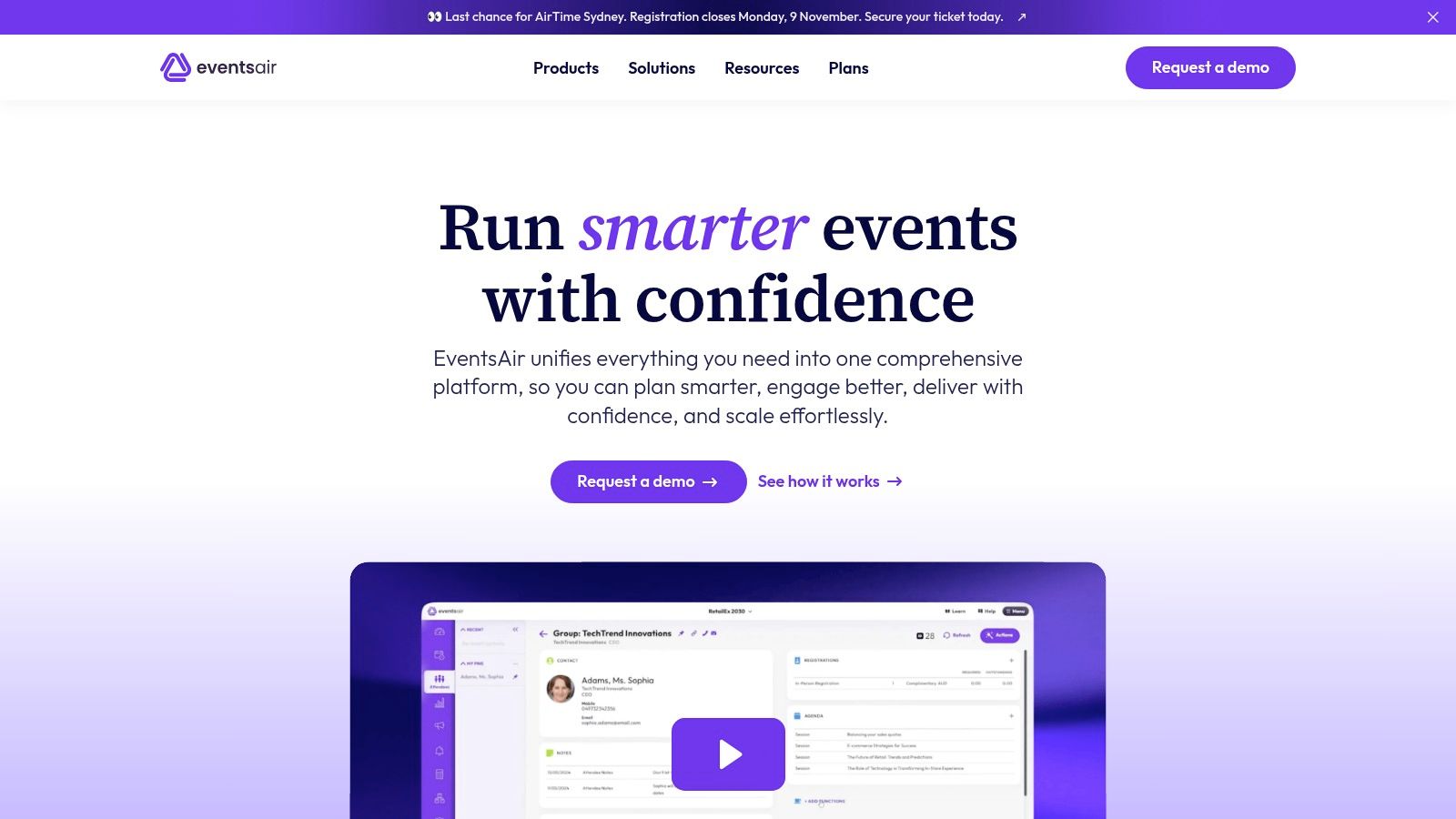
If your association wants more event stages in the same system, EventsAir belongs on the shortlist. Its association offering combines conference operations with continuing-education administration, alongside in-person, virtual, and hybrid event capabilities.
The vendor describes abstract submission, reviewer assignments, session scheduling, and self-service tools for speakers, participants, sponsors, and exhibitors. It also describes course enrollment, attendance credit tracking, reporting, and integration options.
Demo priority: Follow an accepted abstract into a scheduled session, then follow a participant's attendance through to the credit report.
That demonstration matters more than seeing each feature separately. Staff need to understand which records carry forward automatically, which require approval, and who resolves an exception.
Breadth versus administration
The advantage is broad lifecycle coverage. Associations with multiple tracks and stakeholder groups can evaluate whether shared workflows reduce handoffs between event stages.
The trade-off is administrative scope. A smaller organization may not need this much functionality, and staff still need time to configure permissions, communications, and program rules.
Pricing is quote-based. Confirm which abstract, education, and integration capabilities belong to the proposed package, rather than assuming every demonstrated function is included.
Wrong fit: A small community event needing straightforward ticketing and reminders. For a complex education program, don't assume attendance tracking alone proves that every credit rule can be implemented.
3. Cadmium Eventscribe
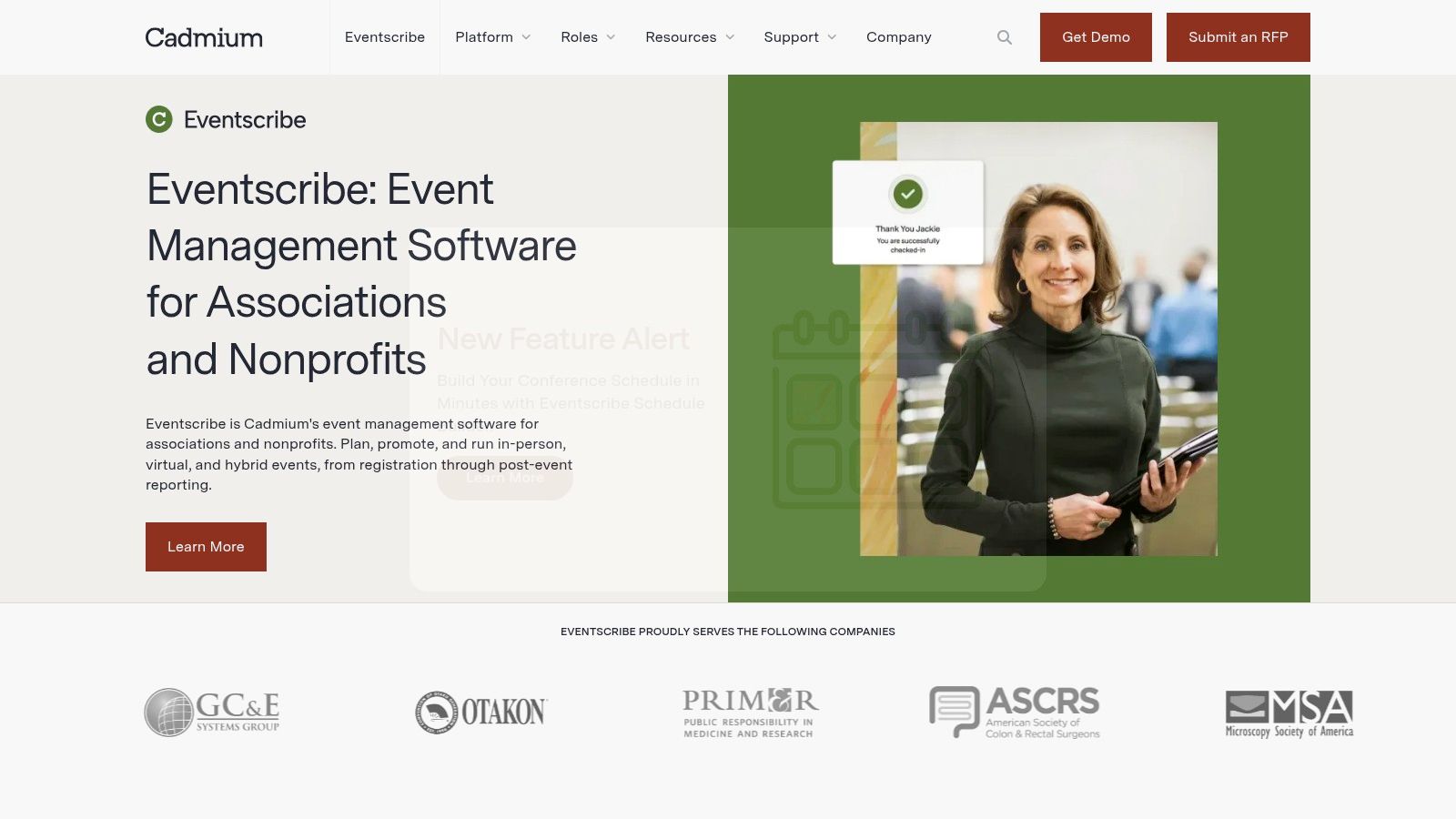
An accepted abstract can become a session description, an app entry, presentation material, and eventually an educational resource. Cadmium Eventscribe is worth evaluating when your team needs to manage that content beyond the submission deadline.
Its offering includes abstract management, speaker workflows, presentation materials, event websites, registration, mobile apps, and attendee engagement. Cadmium also offers exhibitor, sponsor, and logistics tools, with connections to education and content products.
Test the content handoff
The practical question is whether staff can maintain a dependable record as accepted content moves into different publishing channels. Ask the vendor to change a speaker affiliation or session title and demonstrate where that correction appears.
- Advantage: Connected conference-content workflows may reduce re-entry between submission management, scheduling, and attendee-facing publishing.
- Ecosystem fit: The broader product family may suit organizations connecting meetings with ongoing education and digital content.
- Implementation cost: Staff should budget time for configuration, training, and decisions about which product owns each record.
- Pricing: Request a quote covering the modules and services your program needs. Public list pricing wasn't available in the reviewed product information.
Wrong fit: An organization that only needs to sell admission tickets. Also, don't treat a connection to an education product as proof that your particular credit and certificate rules are supported.
The strongest evaluation includes both the live event and the work your content team must complete afterward.
4. Cvent
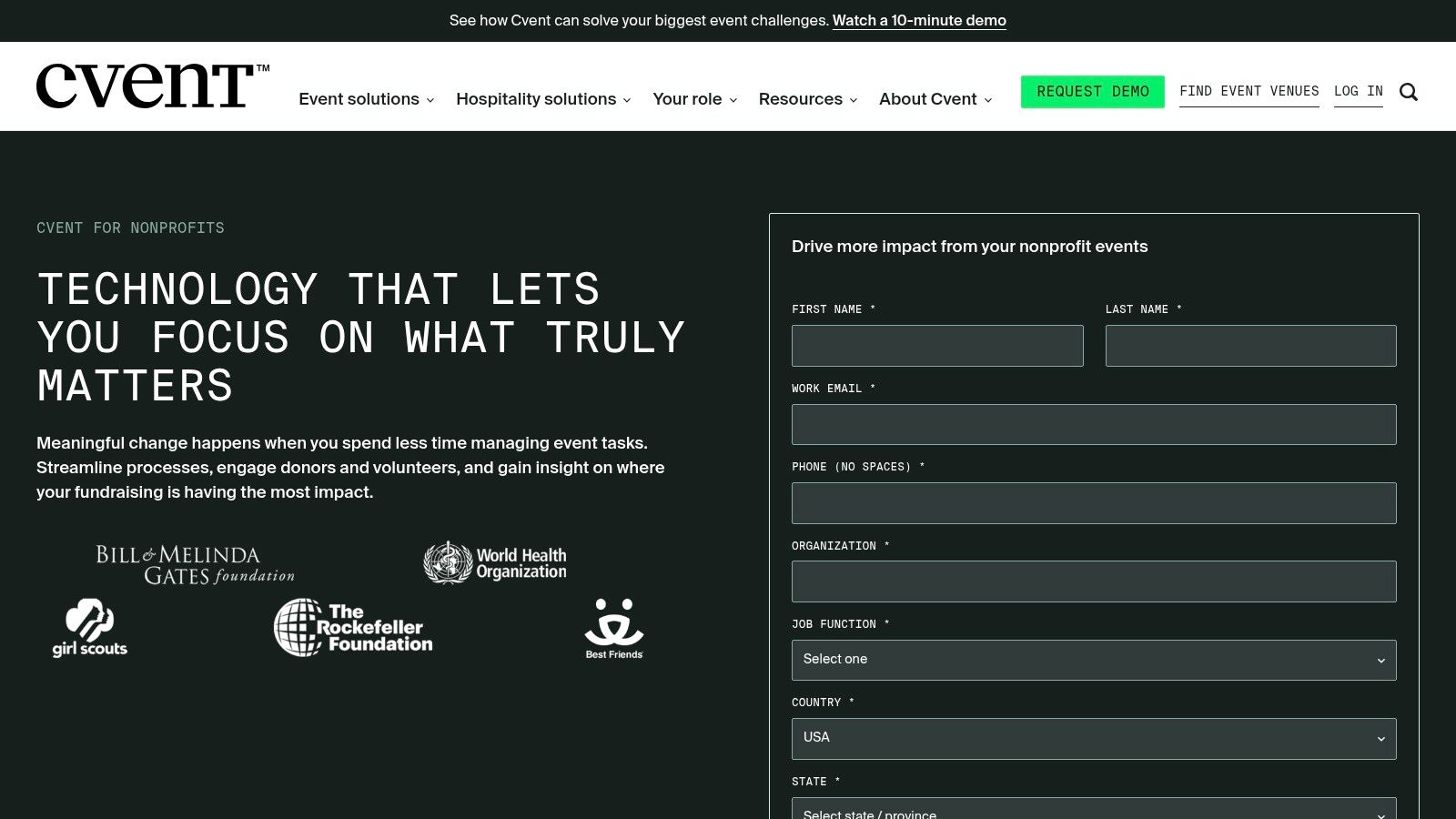
Cvent is a broad event-management candidate, particularly for nonprofits running varied calendars rather than only scientific conferences. Its nonprofit offering spans planning, registration, marketing, attendee communications, onsite operations, engagement, and reporting.
That breadth can suit an organization coordinating donor events, training programs, and conferences under a shared operational approach. Check-in, seating, badge printing, and integration options are relevant when onsite execution is a major purchasing concern.
- Strength: Broad event and attendee-management coverage for varied or large programs.
- Trade-off: More functionality also means more setup decisions, administration, and training.
- Cost consideration: Evaluate the proposed package against staff capacity, not only the subscription expense.
- Specialist gap to test: Confirm abstract review, speaker compliance, and CE workflows against your actual requirements.
Registration isn't education administration
A participant's registration record doesn't establish their eligibility for credit. Before a demo, document your rules using a process such as how to offer continuing education credits.
For example, the Medical Board of California requires physicians to complete at least 50 hours of approved CME during each two-year renewal cycle and describes consent-based reporting through ACCME's PARS.
That's a jurisdiction-specific example, not a universal event requirement. Wrong fit: A small team buying a broad platform solely to solve a narrow abstract-review or certificate problem without validating those workflows first.
5. Accelevents
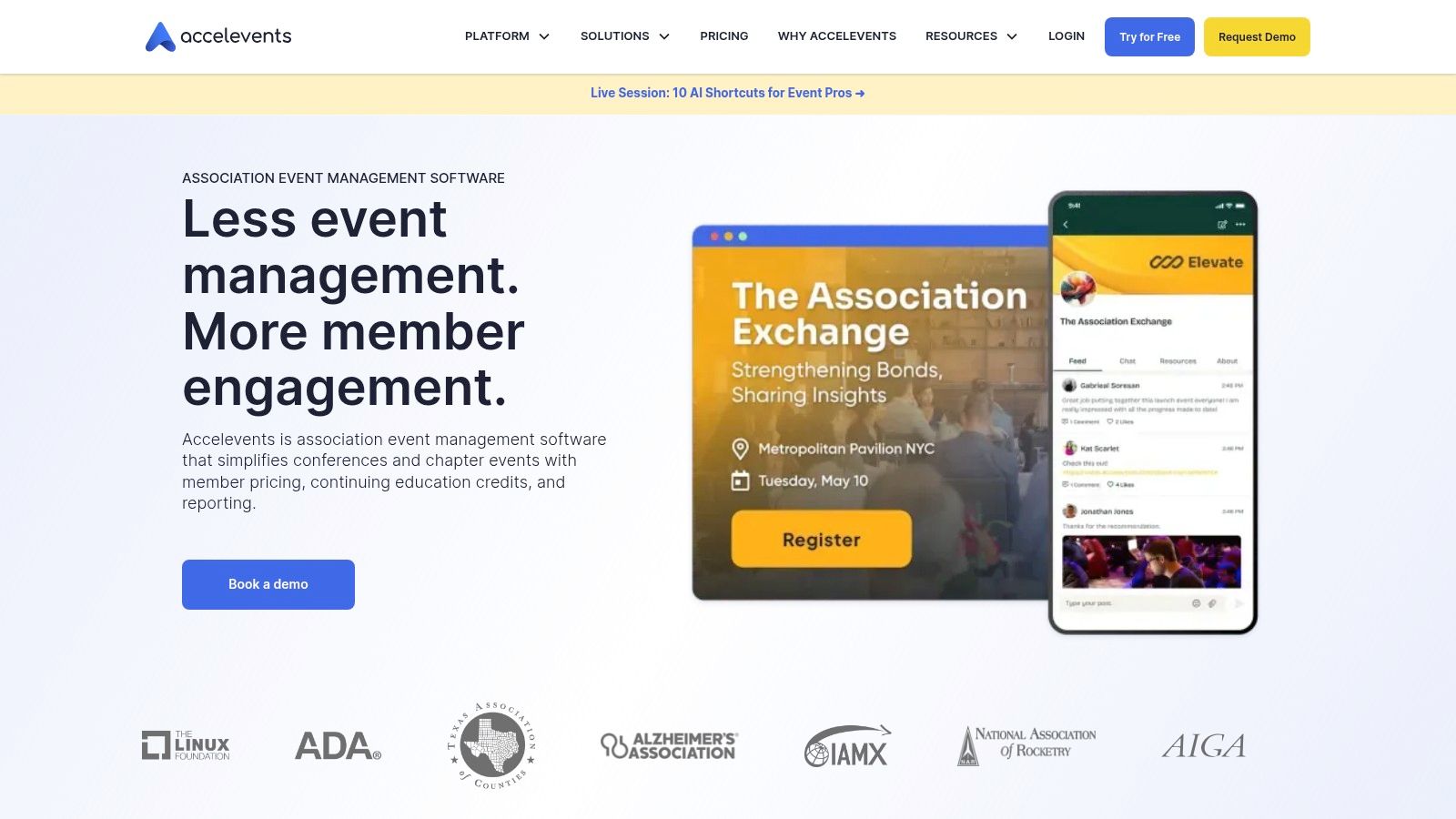
Accelevents combines event operations with submission workflows and continuing-education features. It's relevant when an association wants registration, agendas, attendee engagement, abstracts, and credit administration within the same purchasing conversation.
The vendor describes submission forms, reviewer assignments, scoring rubrics, notifications, and session management. Its education features include attendance tracking, credit criteria, certificates, and reporting, alongside sponsor and exhibitor tools.
Demonstrate exceptions, not just completion
Start with your conference abstract submission process. Then test what happens when an author changes presenters, a reviewer withdraws, or an accepted session moves to another track.
The same discipline applies to credits. Ask the vendor to demonstrate a participant who meets attendance requirements but hasn't completed an evaluation, followed by the correction and certificate-release process.
Software can apply configured credit rules. It doesn't establish accreditation compliance for your organization.
Advantages include the potential connection between accepted submissions, the published agenda, and participant activity. Vendor documentation also describes multiple attendance check-in methods, which deserves attention when sessions operate differently.
Trade-offs include package-dependent pricing and the need to validate complex credit and certificate configurations. Confirm who configures the rules and who can change them after registration opens.
Wrong fit: A program expecting an event platform to make accreditation decisions or resolve ambiguous education policies. Your team must define those policies before software can enforce them.
6. TPNI
Some associations need more than software access. They need help with planning, marketing, and onsite execution. TPNI combines association-focused event technology with optional services in those areas.
Its platform covers registration, mobile badging, event apps, speaker and session management, CEU tracking, certificates, exhibitors, sponsors, lead retrieval, and reporting. The vendor also identifies integrations with association systems including iMIS, NetForum, and Salesforce Fonteva.
Separate the platform from the service scope
A software-plus-services proposal should explain both what staff can operate independently and what the provider will deliver. Otherwise, an attractive demonstration can leave unanswered questions about who builds forms, imports records, or handles onsite changes.
- Operational advantage: Associations can evaluate technology and execution support together.
- Data advantage: Named AMS integrations provide a starting point for testing member and registration workflows.
- Pricing claim: The vendor describes modular, flat-fee pricing without per-attendee costs. Obtain a proposal defining the included modules and services.
- Unresolved fit questions: Demonstrate formal abstract review and financial-disclosure management rather than inferring them from speaker management.
Wrong fit: A team seeking only self-service software with minimal provider involvement may find a services-oriented arrangement unnecessary.
For education-heavy programs, also separate CEU tracking from eligibility decisions. A certificate-generation feature needs to be tested against the organization's attendance evidence, evaluation requirements, correction procedures, and record-retention expectations.
7. Ex Ordo
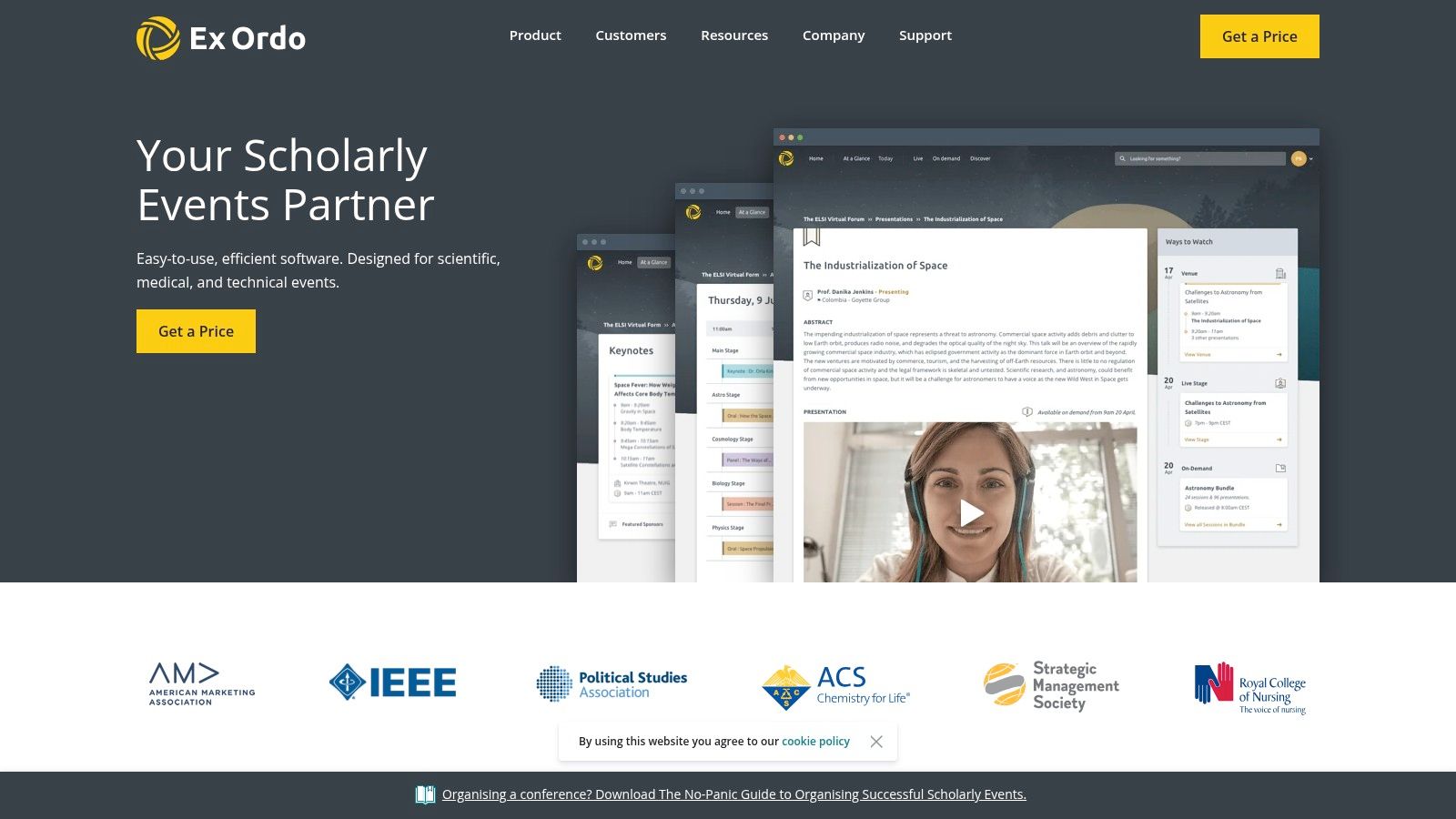
Start with peer review when peer review is the hardest part of your event. Ex Ordo specializes in academic, scientific, and medical conferences rather than general nonprofit fundraising.
Its conference tools include configurable abstract, paper, panel, and proposal submissions. Reviewer assignments, scoring schemes, single- or double-blind review, decision communications, and follow-up author tasks align with scientific-program committee work.
The vendor also offers registration, an online event space, a mobile app, and proceedings publishing. Organizations can evaluate selected conference products or a broader package.
Where the specialization pays off
A useful demonstration follows a submission through assignment, review, decision, revision, and publication. Include a reviewer conflict and an author correction so the committee can assess the administrative controls, not just the submission form.
- Advantage: Scholarly review is central to the product's positioning.
- Buying flexibility: Evaluate the conference products that match your operating model.
- Trade-off: Pricing depends on expected submissions and selected products, so request a program-specific quote.
- Education limitation: Confirm credit eligibility, certificate handling, and participant records separately.
Wrong fit: A gala needing auctions, donor stewardship, and benefit-event checkout. Those aren't substitutes for scholarly conference functions, and the reverse is equally true.
For associations offering continuing education, a strong review system may still need an education platform or integration. Choose that combination deliberately rather than discovering the gap after the program committee finishes its work.
8. PheedLoop
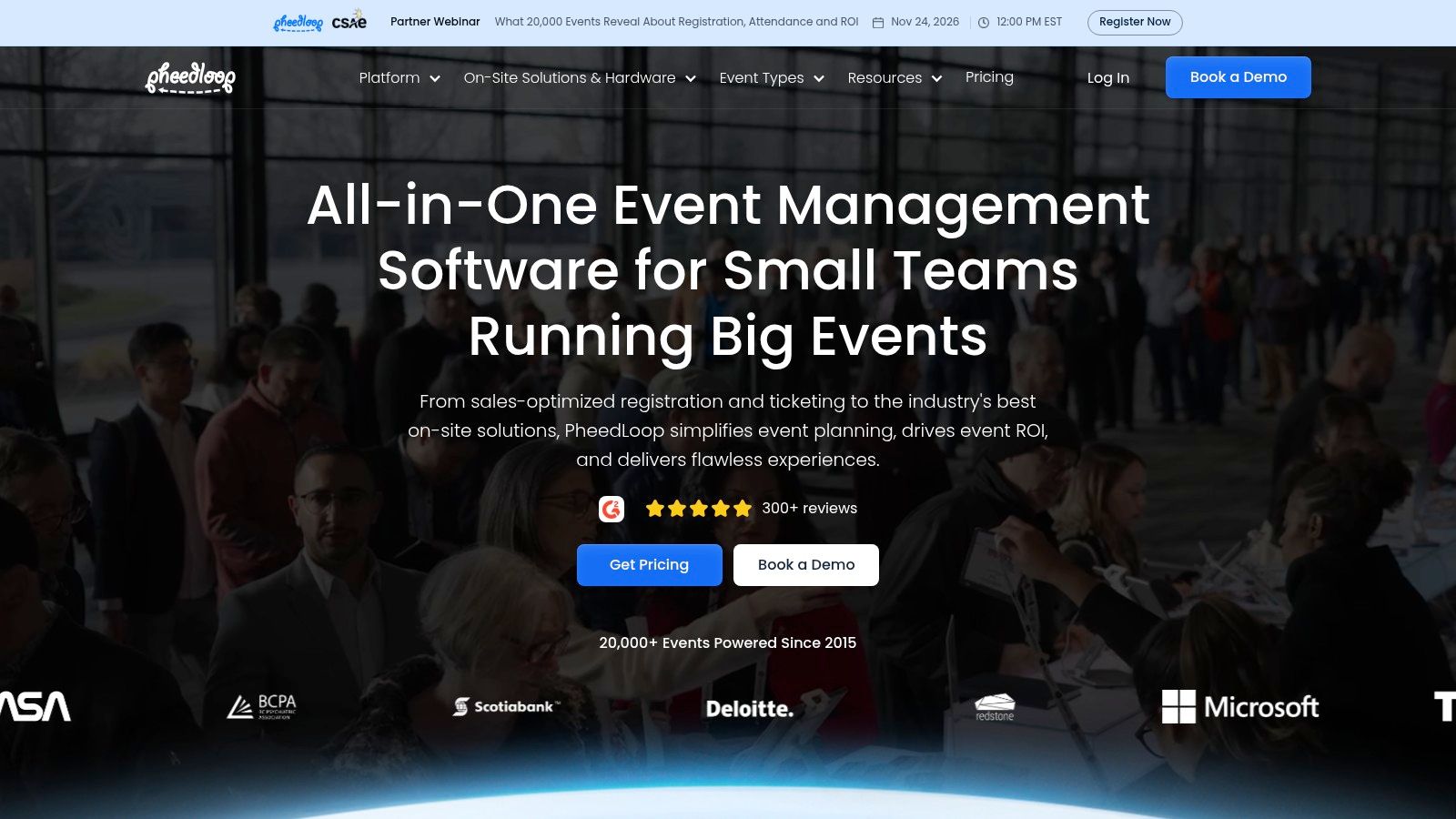
A conference ends and the education team needs to know exactly who sat in which accredited session. Session check-in is useful only if staff can connect it to the records they need afterward. PheedLoop merits evaluation for association and academic meetings combining submissions, poster sessions, attendee programming, and continuing-education tracking.
Its offering covers registration, schedules, mobile event tools, attendee engagement, abstract submissions, and poster workflows. Vendor materials also address session-based attendance and education support, so treat those claims as items to verify rather than confirmed capability.
Work backward from the final report
Bring an event evaluation report example to the demo. Identify the fields your education team needs, then ask the vendor to trace each field back to the participant action or staff entry that creates it.
That approach distinguishes a convenient check-in tool from a complete education-administration workflow. If a certificate depends on attendance plus a passed evaluation, make the vendor show what happens when attendance is missing, a survey goes incomplete, or a participant record gets corrected after the event. Each gap should have a visible resolution path for staff.
Advantages include relevance to multi-track educational meetings and the potential connection between session attendance and survey collection. Abstract and poster tools also make it worth considering beyond basic registration.
Trade-offs remain program-specific. Pricing is not publicly listed, so ask PheedLoop to demonstrate which features, support, and implementation services are included in the quote. Push the demo toward credit rules, certificate delivery, exports, and review-round complexity, since those are the workflows most likely to strain a general event platform.
Wrong fit: A program choosing primarily for the event app while assuming the underlying education records will satisfy its requirements. Test the staff-facing reports as carefully as the participant experience.
9. Zeffy
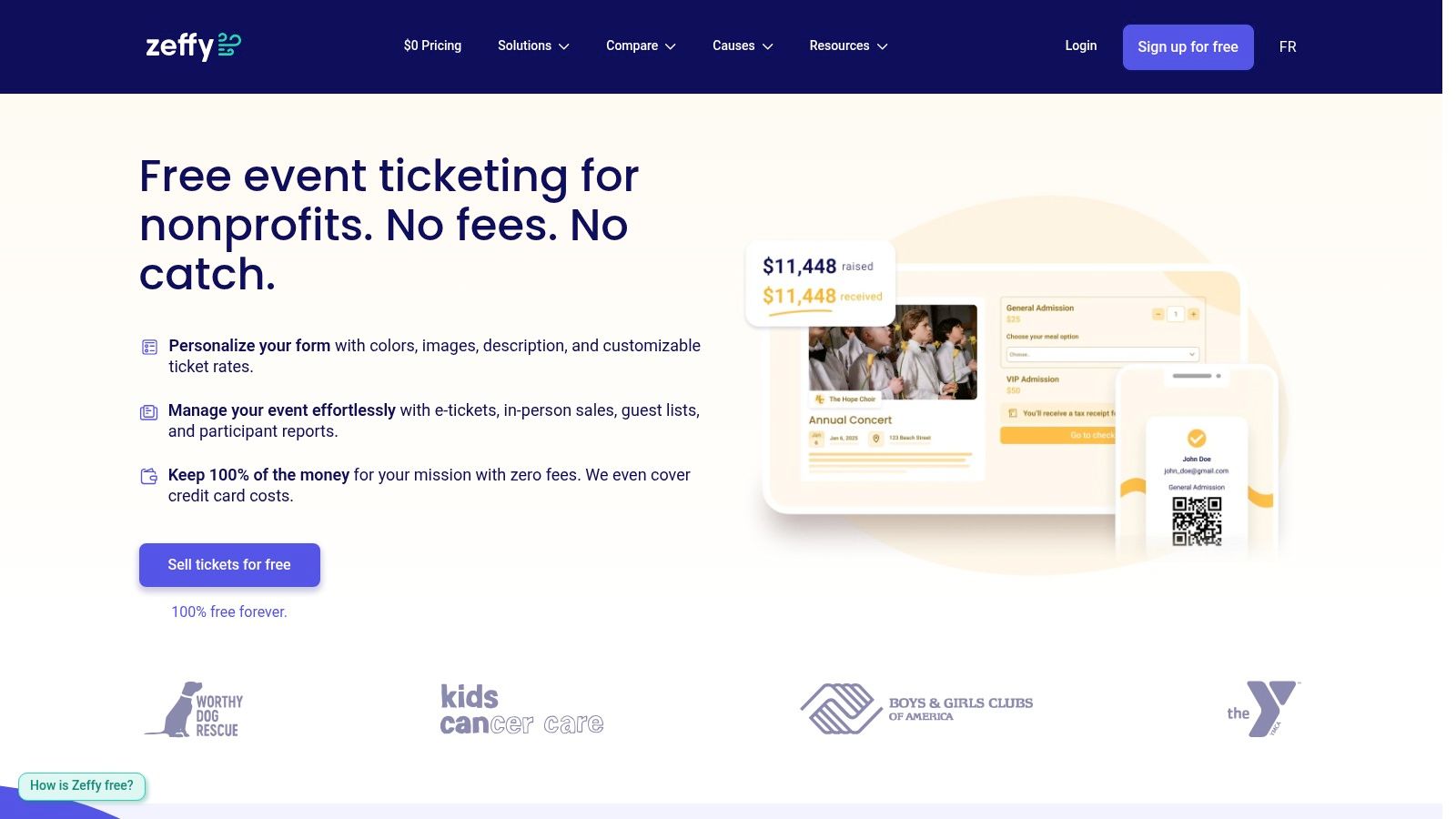
For a community fundraiser, complex abstract review may be irrelevant. Zeffy focuses on nonprofit fundraising and ticketing, with donation tools in the same account.
Its event features include customizable ticket pages, participant questions, electronic tickets, QR-code check-in, attendance tracking, reporting, and confirmation or reminder communications. Multi-date events can also suit simpler recurring programs.
- Advantage: Ticketing and fundraising sit together without requiring a conference-management purchase.
- Vendor fee claim: Zeffy says it charges nonprofits no platform or payment-processing fees, supported by optional donor contributions.
- Checkout consideration: Communicate that optional contribution clearly and test the attendee-facing payment experience.
- Data consideration: Verify exports and reconciliation against CRM and finance requirements.
Fundraising receipts need separate attention
For U.S. fundraising events, the IRS fundraising guide requires written disclosure when a payment exceeds $75 and the donor receives goods or services, including a good-faith estimate of their value.
Configure the event around the distinction between admission benefits and charitable contributions. Don't assume an ordinary ticket confirmation automatically meets the organization's disclosure obligations.
Wrong fit: A scientific conference needing multilevel abstract review, speaker disclosures, and configurable education-credit administration. Zeffy's fundraising orientation is an advantage for the right event, not evidence that it replaces a specialist conference system.
10. GiveSmart
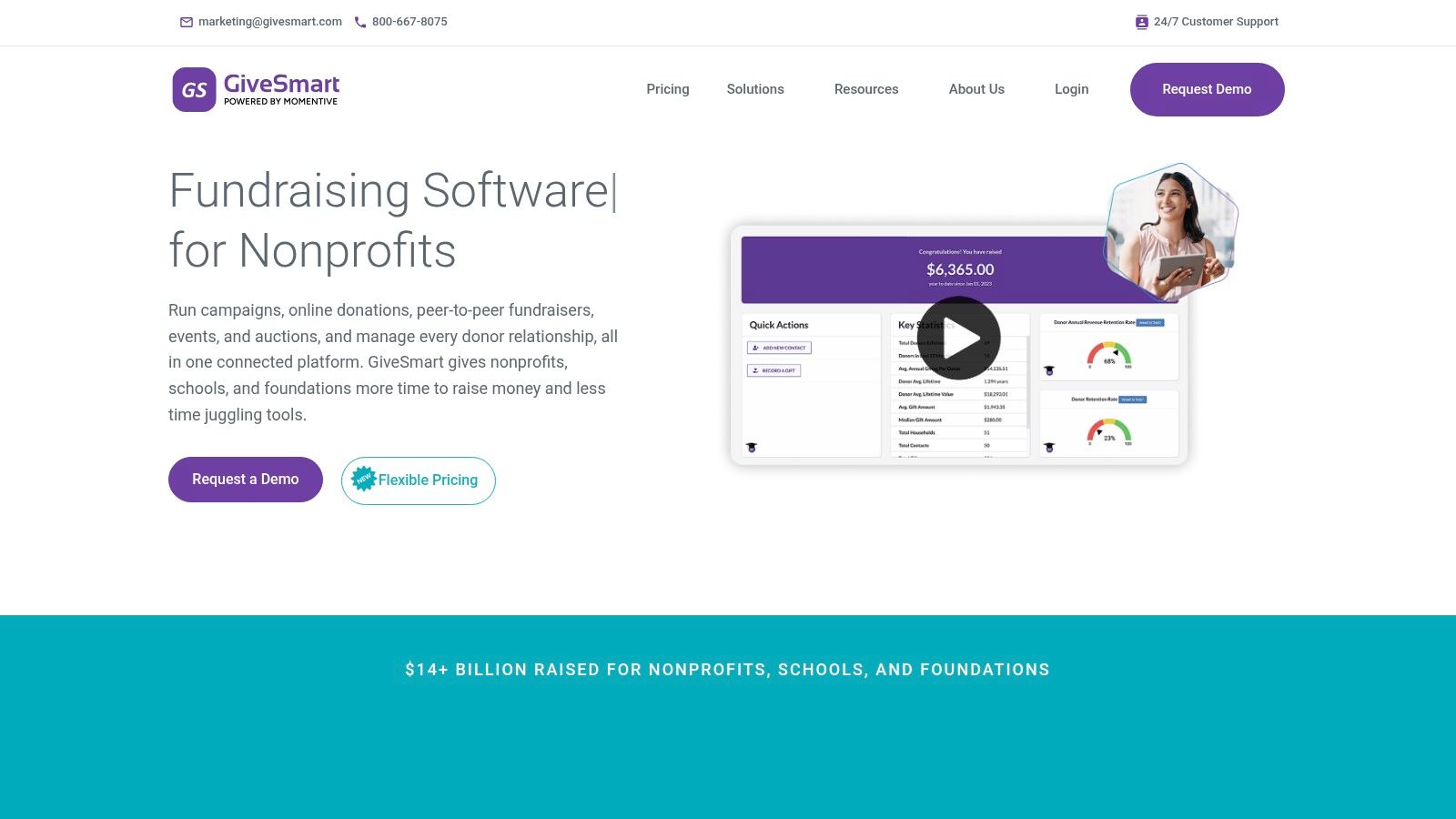
A benefit event has a different operational finish line from a scientific meeting. Staff need guests checked in, auction purchases settled, donations recorded, and stewardship information ready. GiveSmart is built around that fundraising context.
Its offering includes branded event pages, ticketing, guest management, seating, silent auctions, mobile bidding, check-in, checkout, donor profiles, and reporting. It also supports virtual and hybrid fundraising events.
Choose a fundraising platform for the donor and transaction work it supports, not because every nonprofit event needs the same software.
Evaluate the whole fundraising transaction
Test a guest buying admission, making a donation, winning an auction item, and checking out. Then inspect what finance and development staff receive, including the records needed for follow-up.
The advantage is fundraising depth. Ticketing, auctions, donations, and donor-management functions address work that conference-program systems aren't necessarily designed to handle.
The trade-off is specialization. These functions don't replace abstract management, faculty preparation, financial disclosures, or CE administration.
GiveSmart offers annual subscription and pay-as-you-go pricing models. The latter involves a transaction rate, so confirm the rate, payment terms, included services, and how the proposed arrangement handles your event calendar.
Wrong fit: An education provider whose central problem is determining credit eligibility and issuing participant certificates. An association running both a benefit dinner and a scientific congress may reasonably need separate tools, connected through clear finance and constituent-data processes.
How the Ten Nonprofit Event Software Options Differ on Pricing, Best Fit, and Core Workflows
| Item | Best For | Pricing Visibility | Abstract and Speaker Workflows | CE or Credit Tracking |
|---|---|---|---|---|
| Planstone (Recommended) | Associations and education teams managing complex programs | Not publicly listed; contact vendor | Abstract submissions, multilevel reviews, session building, speaker tasks, and files | Credit tracking, evaluations, and certificates |
| EventsAir | Associations seeking an end-to-end event platform | Quote-based | Abstract submissions, reviewer assignment, scheduling, and speaker self-service | Course enrollment, attendance credits, and reporting |
| Cadmium Eventscribe | Association and nonprofit educational events | No public list pricing found; request a quote | Abstract management, speaker workflows, and presentation materials | Connects with Cadmium education products; specific tracking not detailed |
| Cvent | Organizations running varied or large-scale events | Not specified | Confirm abstract-review workflows meet requirements; speaker workflows not detailed | Confirm CE-credit workflows meet requirements |
| Accelevents | Associations combining conference operations and CE | Package- and needs-dependent | Submission forms, reviewer assignments, rubrics, and agenda workflows | Attendance tracking, credits, certificates, and reporting |
| TPNI | Associations seeking event software and optional services | Custom proposal; vendor describes modular flat-fee pricing | Speaker and session management; confirm abstract-review needs | CEU tracking and certificate generation |
| Ex Ordo | Academic, scientific, and medical conferences | Quote-based; depends on submissions and products | Custom submissions, peer review, communications, and author tasks | Confirm credit and certificate handling |
| PheedLoop | Academic and education-focused meetings | Public pricing not verified | Abstract submissions and poster-session workflows; evaluate speaker needs | Session check-in and CE support |
| Zeffy | Community events and simpler nonprofit fundraisers | Vendor says no platform or processing fees; optional donor contributions | Ticketing and participant questions; not a full abstract-review system | Not positioned for CE tracking |
| GiveSmart | Galas, auctions, and benefit events | Annual subscription or pay-as-you-go; confirm rates | Not designed for abstract or speaker workflows | Not designed for CE administration |
Settling the Key Questions Before You Request Quotes
Choose nonprofit event software by its hardest required workflow. For a gala, that may be auction checkout and donation reconciliation. For a scientific conference, it may be multilevel review, speaker disclosures, and session development. For continuing education, it may be the evidence supporting each participant's credit record.
Don't make integration a final procurement question. In Omatic Software's independent nonprofit technology survey from 2024, 89% of nearly 500 surveyed nonprofits used at least three third-party systems beyond their primary CRM.
A connector alone doesn't resolve ownership. Decide which system owns participant identity, registration status, session assignments, attendance, evaluations, and credits before discussing synchronization.
Define the work each vendor must demonstrate
Use the same scenarios for every shortlisted provider:
- Follow a submission: Collect an abstract, assign reviewers, resolve a conflict, communicate acceptance, and place the work into a session.
- Prepare a speaker: Assign tasks, collect disclosures and presentation files, replace a presenter, and inspect outstanding requirements.
- Issue credit: Record participation, apply eligibility rules, collect an evaluation, release a certificate, and correct a record.
- Move the data: Export identifiers and history, demonstrate an integration failure, and show how staff reconcile the affected records.
- Confirm support ownership: Identify who configures workflows, trains staff, handles urgent changes, and supports post-event education administration.
Use those scenarios to plan a software trial. Give staff acceptance criteria before the demonstration, rather than asking whether they liked the interface afterward.
Compare operating costs and participant access
A useful proposal separates software, configuration, integrations, training, onsite services, and ongoing support. Compare the work your team retains as well as the work the vendor takes on. A lower subscription price may still leave staff maintaining spreadsheets between systems.
Accessibility belongs in that evaluation. The ConnecTra event accessibility report addresses barriers spanning mobility, cost, transportation, sensory accommodations, and assistive technology. Test keyboard navigation, accessible materials, accommodation-request routing, and independent access to evaluations and certificates.
Finally, match the support model to your team. Self-service software suits organizations with configuration capacity; account-managed support suits teams needing continuing help with complex programs. Our approach includes dedicated account management, staff training, event preparation, and ongoing technical support.
The right decision is the platform, or deliberate combination of platforms, that staff can operate reliably from the call for submissions through the final participant record.
Planstone offers configurable conference and continuing-education software connecting abstracts, speaker preparation, disclosures, evaluations, credits, and certificates, with dedicated account support. Visit Planstone to discuss your program's review process, education rules, and existing systems, and explore which modules fit the work your team needs to manage.