

What if the platform with the longest feature list is the one that forces your team into the most spreadsheet work? That's the question worth asking before you demo any cloud based event management software. For associations and education teams, the key decision isn't which vendor ticks the most boxes. It's which system can carry abstract submission, peer review, speaker preparation, disclosures, evaluations, and credit records without staff re-entering the same person, session, and outcome in four places.
This comparison looks at ten options through those workflows, not through generic event marketing claims. You'll see where each platform is strong, where it thins out, and what you should verify with your own program data. A comparison table follows the list, and the closing section gives you a short demo checklist and answers to common pricing, credit, and integration questions.
Cloud delivery is now the normal operating model, not an experiment. One estimate from Grand View Research valued the overall sector at USD 16.0 billion in 2025 and projected growth to USD 39.6 billion by 2033, at an 11.5% compound annual growth rate from 2026 through 2033. That scale explains the choice available to you. It doesn't tell you which tool fits a scientific program committee, an accredited provider, or a speaker team chasing missing files at midnight.
Read each entry for fit, not ranking order alone. A broad corporate event suite and a scholarly submission specialist solve different problems, and both can be the wrong purchase if your credit rules, disclosure review, or review committee workflow doesn't match how the software was built.
Table of Contents
- 1. Planstone
- 2. EventsAir
- 3. Cvent
- 4. Cadmium Eventscribe
- 5. Whova
- 6. PheedLoop
- 7. Ex Ordo
- 8. Fourwaves
- 9. Eventleaf
- 10. Accelevents
- Cloud Based Event Management Software
- How to Choose and What to Ask Before You Demo
1. Planstone
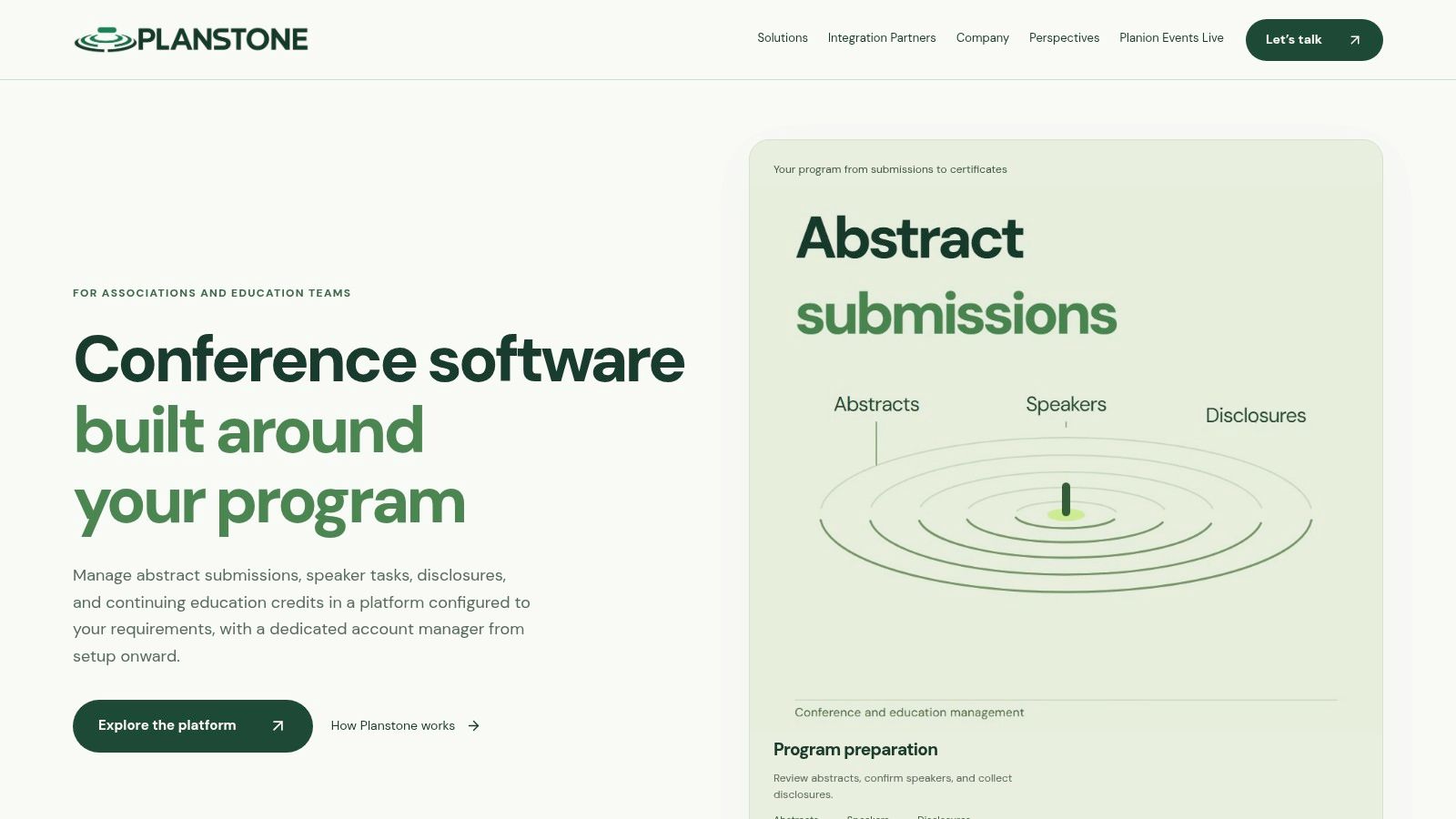
Planstone is built for associations and education teams that run the full chain from call for abstracts to certificate. You can collect submissions, run multilevel reviews, build accepted work into sessions, manage speaker tasks and presentation files, collect disclosures, publish handouts, gather evaluations, apply credit rules, and issue certificates in coordinated workflows. The payoff is that the same record follows a submission as it becomes a session, a speaker assignment, and finally a credit-bearing activity, instead of being re-keyed at every stage.
You don't have to replace everything else to use it. Modules for abstract management, speaker management, disclosures, evaluations, credit tracking, and handouts run individually alongside your existing systems or together in one configured platform, with forms, reports, workflows, and branding set around your process. Integrations cover AMS and CRM systems, registration providers, AV providers, and mobile apps, and the data API can move conference content into an EventPilot app. Note what that means in practice: registration stays with your existing provider, so this is a program and education platform first, not a ticketing suite.
Session building gets specific attention. A workspace developed with the American Physical Society lets sorters filter abstracts, drag submissions into sessions, and work within session-time limits, which suits large scientific programs where hundreds of abstracts have to land in coherent slots.
Why Disclosure Depth Matters Here
A free-text disclosure field won't carry an accredited program. The ACCME Standards toolkit requires collection from every planner, faculty member, and other person who controls content about all financial relationships with ineligible companies during the previous 24 months, with no minimum dollar threshold. You need review and mitigation status, an audit-ready record, and publication to learners before the activity begins. Planstone's speaker portal keeps those tasks, files, disclosures, and correspondence in one place so staff can see what's outstanding.
- Pros: Connects submission, review, session building, speaker preparation, disclosures, evaluations, and credits. Configurable modules work alone or together, and a dedicated account manager with configuration and technical specialists supports setup, training, and event preparation.
- Cons: Cost depends on your program's scope, so a conversation with the team is the practical way to get a quote. The specialist-supported setup takes planning, and a team wanting a simple self-service tool may prefer something lighter.
- Best fit: Medical and scientific associations with complex, multistep programs. One client, the National Association for Healthcare Quality, says the platform "helps us keep a complex, multi-step process organized from start to finish."
Website: Planstone website
2. EventsAir
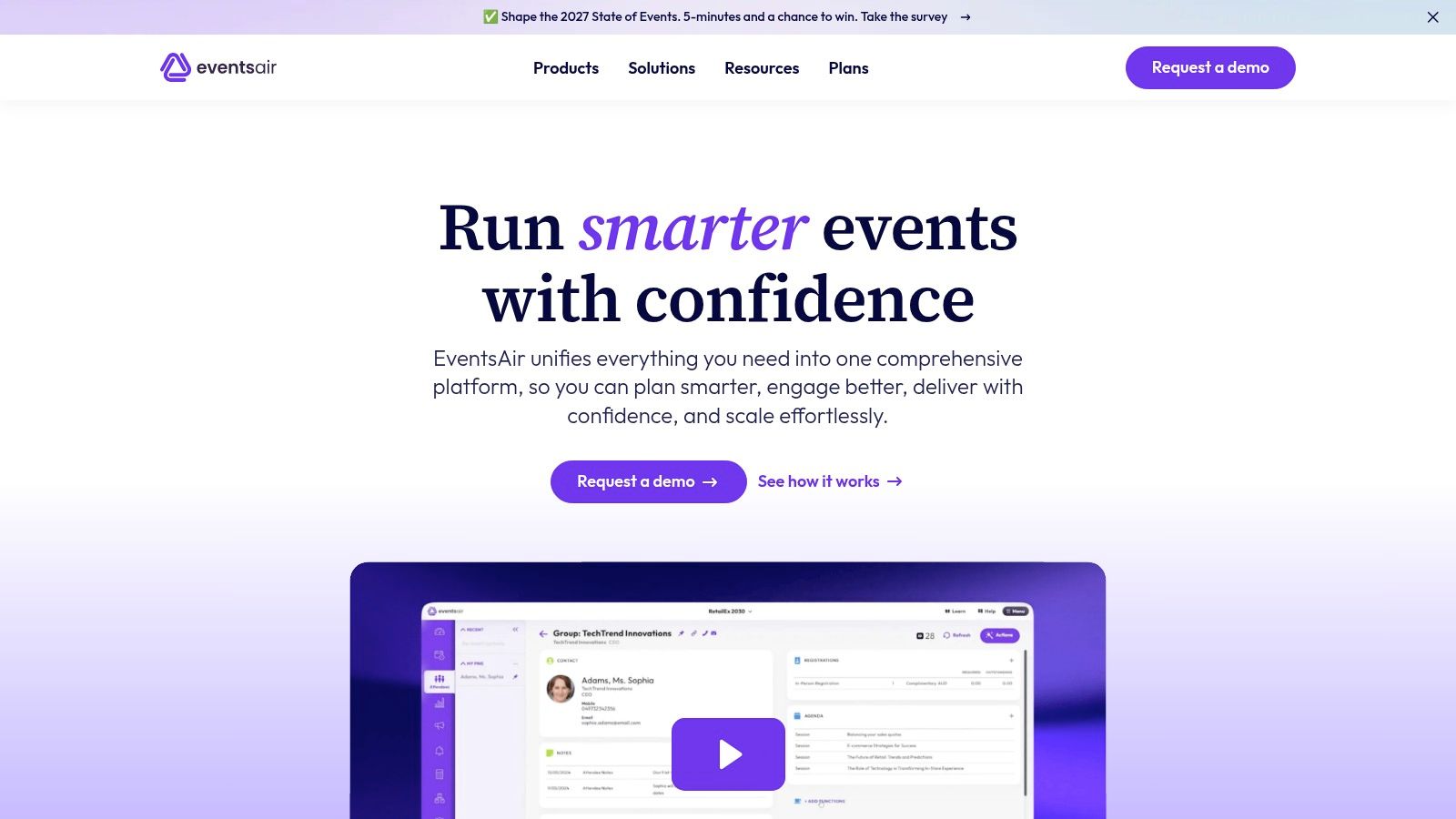
EventsAir takes the broad route. It's built for in-person, virtual, and hybrid events, and it combines operational tools with speaker and abstract workflows in one system. If your team wants registration, logistics, and program management under one roof, this is the kind of platform you shortlist.
The feature set covers event websites, registration, ticketing, payments, check-in, and mobile apps, plus abstract and speaker management with submission portals, review committees, and scoring. You also get sponsor and exhibitor tools, reporting, and an Open API, with vendor-described training, event technology specialists, and support options.
Breadth only pays off when the pieces talk to each other. Forrester's Q1 2024 State of B2B Events Survey report found organizations fully integrating their primary event technology with the broader marketing-technology stack were 31% more satisfied with overall event performance than organizations that hadn't integrated and didn't plan to. So don't accept an integrations list at face value. Ask for field-level mapping, conflict handling, and failure alerts in the demo.
- Pros: Covers many lifecycle stages in one platform and supports complex meetings with abstract, speaker, and logistics needs.
- Cons: It may be more than you need if you only want abstract or speaker management. Pricing is quote-based, and you should confirm whether connectors or event-build services cost extra.
If you're preparing a formal selection, our guide to writing an RFP for event management can help you structure those integration questions before vendors reply. Website: EventsAir
3. Cvent
Cvent is the large-scale option many teams evaluate first, and for good reason. It pairs registration and attendee management with abstract, speaker, and session capabilities, and it adds broader event marketing tools on top. For a high-volume or multi-event program, that reach is useful.
The platform includes event websites, surveys, and communications, abstract management for submissions and selected work, and speaker tools for tasks, documents, questionnaires, and profiles. Session fields, attendance tracking, and credit tracking are available, though what's included varies by package. That package question is where your evaluation should spend its time.
Don't demo Cvent with a generic agenda. Bring your hardest session, your messiest speaker record, and your exact credit rule, then watch how much configuration the workflow needs.
Cloud dominance at this end of the market is well established. Emergen Research reported cloud-based platforms held 84.2% of the global event management software market in 2025. At Cvent's scale, the question isn't whether cloud delivery works. It's whether the education workflow runs deep enough for your accreditation needs once you move past basic credit tracking.
- Pros: Broad functions support high-volume programs, and speaker, session, and abstract tools connect program setup with delivery.
- Cons: Pricing generally requires contacting the vendor. Breadth can make evaluation and configuration heavier than with a focused conference tool, so check package details carefully.
Website: Cvent
4. Cadmium Eventscribe
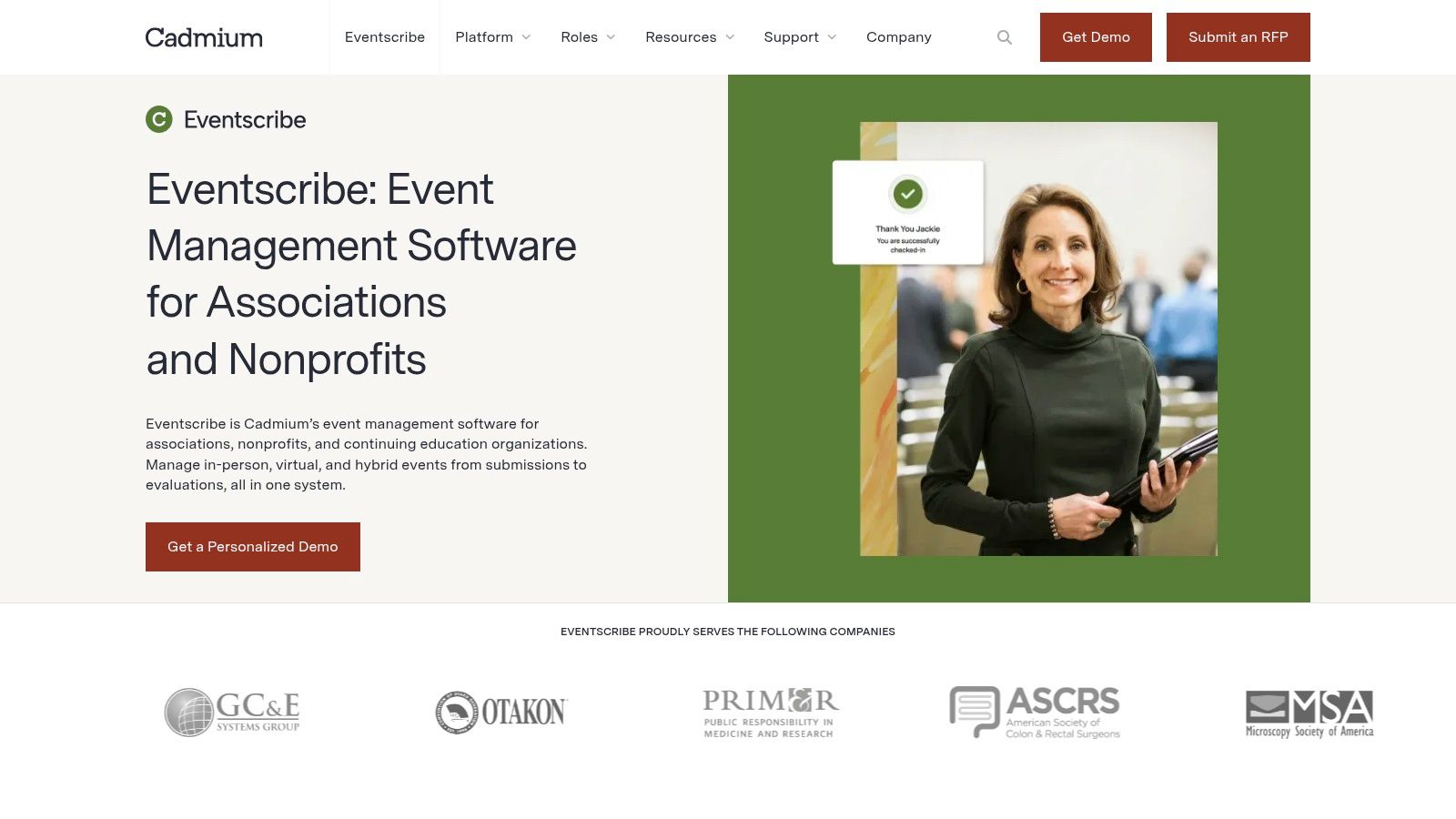
Cadmium Eventscribe is aimed squarely at associations and nonprofits, and its product family reads like an education team's workflow map. Abstract Scorecard handles submissions, reviews, awards, and grants. Education Harvester manages speakers and presentations, and Survey Magnet covers evaluations, continuing education credits, and certificates, alongside websites, apps, registration, and onsite tools.
That structure suits scientific and education-heavy meetings where the post-event work is as serious as the program build. The ACCME maintenance of certification data guidance expects an eligible activity to be designated for AMA PRA Category 1 Credit, planned around ABMS or ACGME competencies, tied to a documented professional-practice gap, and evaluated for changes in learner competence, performance, or patient outcomes. A platform that only prints attendance certificates won't meet that bar, so test how the evaluation and credit records connect.
Product training and optional event-specific professional services are available, which helps if your team is thin during peak season.
- Pros: Connects abstract and presentation workflows and supports evaluations, credits, and certificates across the product family.
- Cons: Confirm which modules are in your proposed package, since pricing is quote-based and optional services carry their own responsibilities and costs.
If you're still mapping the credit side, our overview of how to offer continuing education credits walks through the requirements you'll need any vendor to support. Website: Cadmium Eventscribe
5. Whova
Whova built its name on the attendee experience, and that shows in how the platform is put together. The event app, networking tools, and attendee communications are the center of gravity. Around that core, Whova offers call-for-speakers and abstract management so organizers can collect submissions and move accepted content into the agenda.
Submission portals handle abstracts, speakers, posters, awards, and other proposals, with reviewer assignment and decision workflows. Accepted submissions can feed the agenda and the speaker management center, which removes one common re-entry step between your program committee and your published schedule.
The risk with an engagement-first platform is assuming the back office runs equally deep. Association teams commonly work across several disconnected tools for abstracts, evaluations, and credits alongside their event app. A polished app layered on top of those gaps doesn't close them. It can hide them until reconciliation week, when someone ends up matching participation records to credit certificates by hand.
What to Verify Before You Sign
- Review depth: Confirm which review, registration, and app features are included in your quote, not just listed on the site.
- Credit support: Verify specialized continuing education requirements directly, since engagement tools and credit administration are different disciplines.
- Evaluation reporting: Check that results export in a form your committee can use. Our event evaluation report example shows the level of detail worth asking for.
Pricing is quote-based. Website: Whova
6. PheedLoop
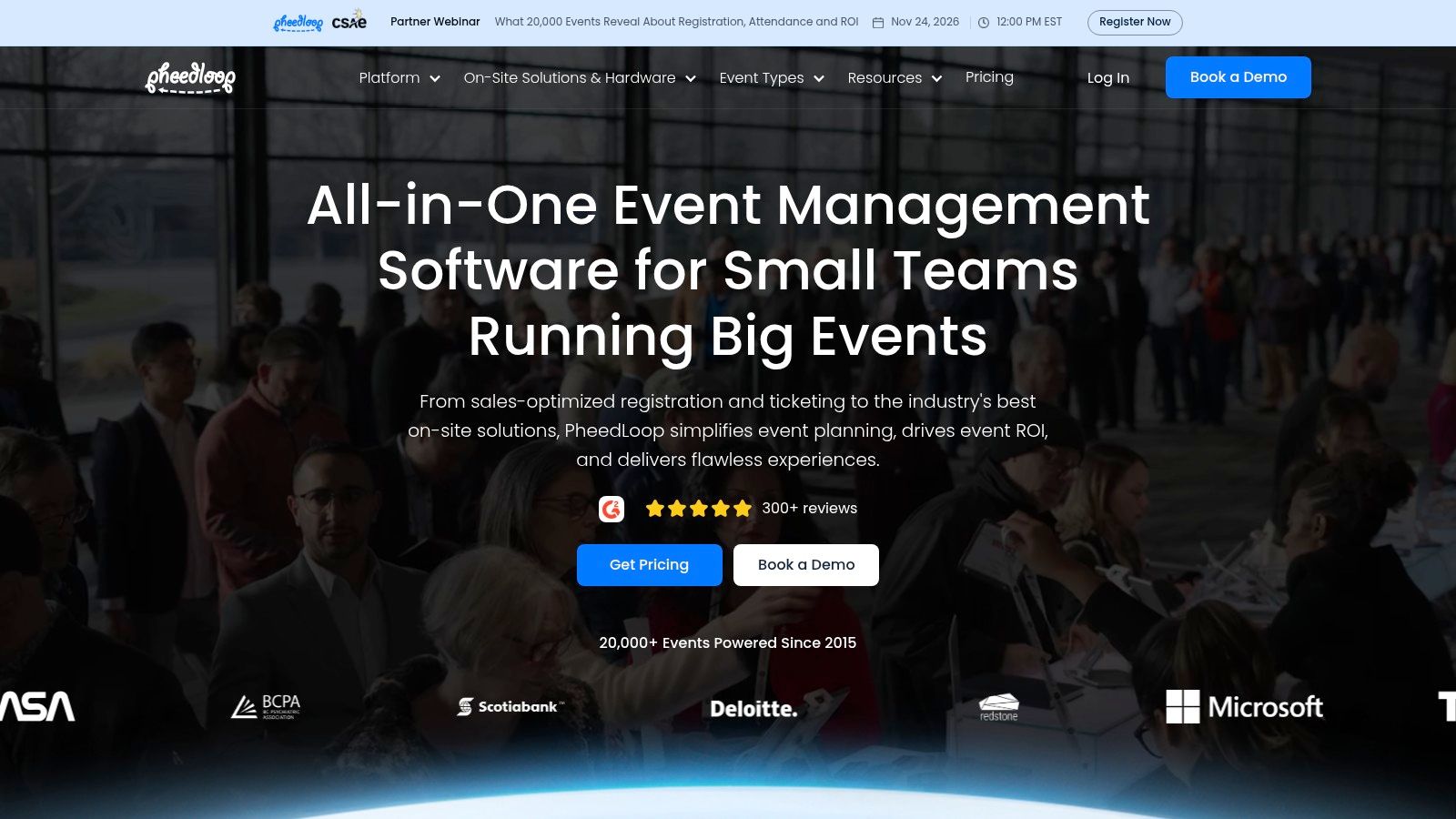
PheedLoop's draw is buying only the modules you need. An association can take event websites, registration, abstract submissions, speaker management, mobile apps, or hybrid tools without committing to an entire suite, and published pricing is visible before a sales call. That transparency is rarer than it should be in this category.
The call-for-proposals module covers speaker profiles, abstracts, reviews, and proposals, so the submission side has the basic workflow a program committee expects. Registration, speaker and exhibitor portals, a mobile app, virtual and hybrid tools, analytics, an API, and Zapier integrations round it out, and CE credit tracking and certifications appear among its listed event solutions. The question is depth per module: a platform that covers many workflows piece by piece deserves a harder look at the one or two your meeting cannot get wrong.
Automation and AI claims need the same scrutiny. A 2025 industry trend report from Lasso found nearly half of meeting planners reported using AI tools in daily work, while integration remains a leading implementation challenge. Drafting a reminder email with AI is low risk. Letting automation touch abstract triage, conflict-of-interest calls, or credit rules is not, so ask what a human still reviews.
- Pros: Modular purchasing, published pricing, and support for onsite, virtual, and hybrid elements.
- Cons: Add-ons and per-attendee pricing can push the final cost well past the starting price. Price app branding, onsite support, and credit functions separately before comparing it to bundled platforms.
Website: PheedLoop
7. Ex Ordo
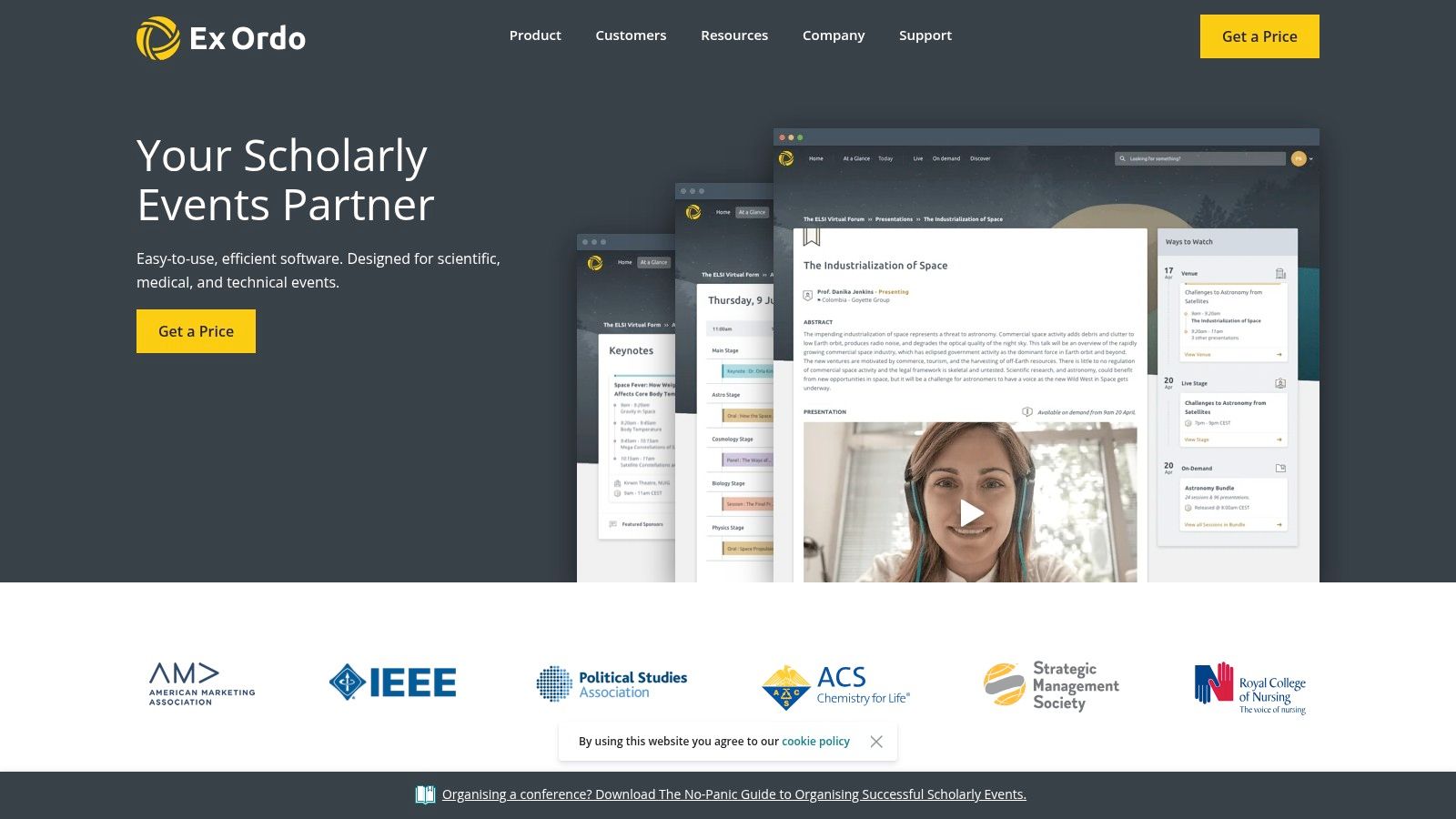
Ex Ordo is a specialist, and it doesn't pretend otherwise. It's built for scholarly conferences across scientific, medical, technical, and academic fields, and its workflows link submissions and peer review with registration, program building, and virtual or hybrid delivery. If peer review integrity is your hardest problem, start here.
Submission forms cover abstracts, papers, posters, panels, and other proposals. Reviewer allocation can follow expertise, with conflict-of-interest controls and blind-review options, and the program builder checks for speaker, room, and track scheduling conflicts before they reach a printed schedule. Registration, payments, virtual features, and mobile program options sit alongside.
Practical rule: If your reviewers need blinded allocation and conflict checks, test those with real committee data. A platform that handles them as manual workarounds will cost your chairs hours every cycle.
Specialists like this exist because cloud delivery made focused tools viable at scale. Mordor Intelligence reported cloud platforms represented 71.29% of the global event management software market in 2025. The trade-off is coverage outside the scholarly core.
- Pros: Scholarly focus suits peer-reviewed programs, and connected review and program workflows reduce manual transfers.
- Cons: Pricing is quote-based. Confirm credit, certificate, and speaker-disclosure workflows, and assess fit if you need broad corporate event marketing or logistics.
Website: Ex Ordo
8. Fourwaves
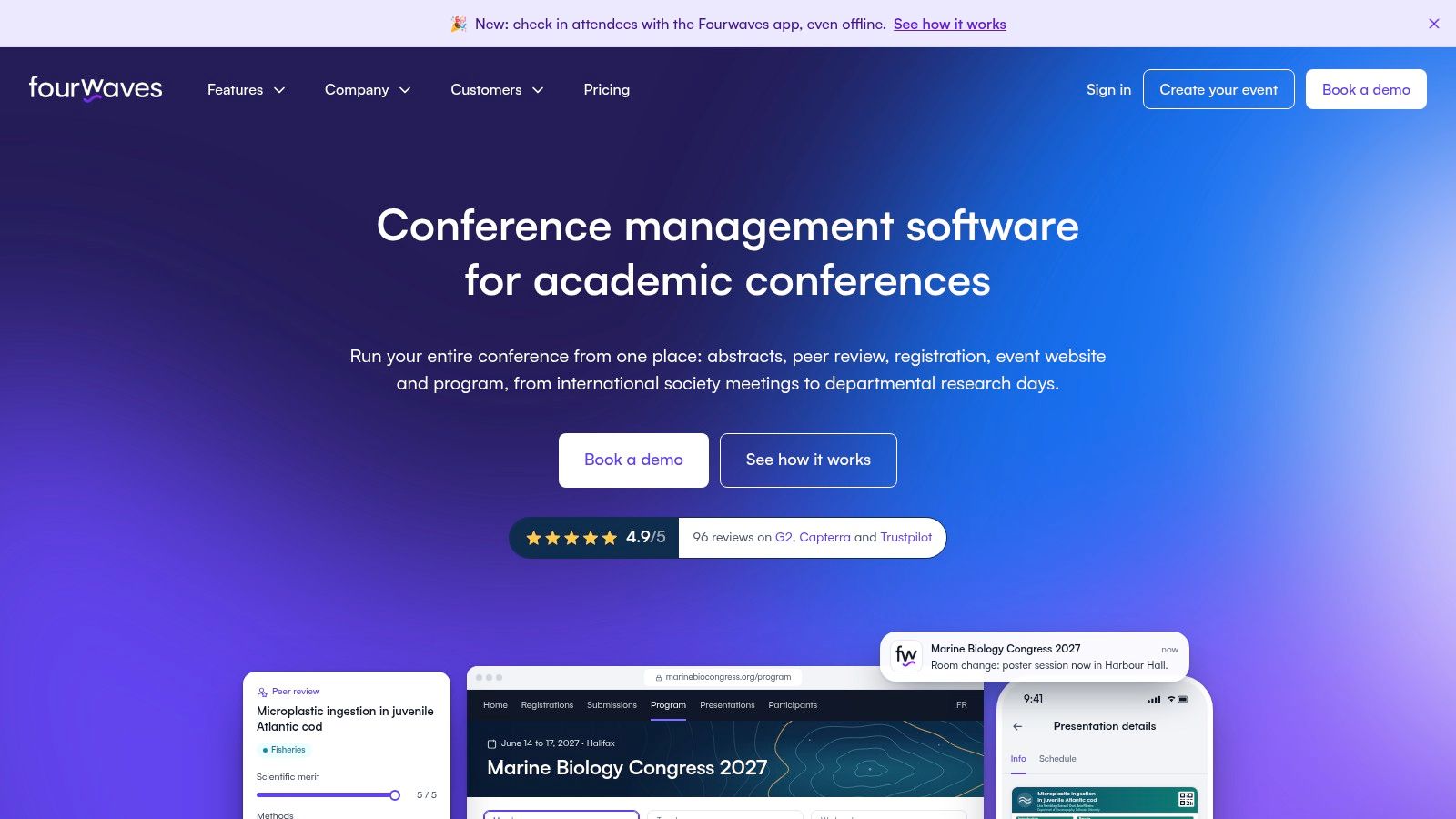
Published pricing is the reason Fourwaves earns a demo from smaller academic societies. It lists annual prices, submission limits, a free tier for small programs, and unlimited registrations across the plans. For a research network running its first structured call for abstracts, that makes budgeting easier than entering a quote process before confirming basic fit.
Its core workflow follows the scholarly program: collect abstracts, assign reviewers, score submissions, record decisions, and publish the program. An event website, registration, conference program, and mobile app cover the main attendee-facing steps. Certificate generation sits on the Advanced plan, and higher tiers add track management and dedicated account management.
The same visible pricing exposes the boundaries. Submission caps apply to listed plans, higher annual volumes can require a custom quote, and card payments may carry a platform service fee on top of payment-gateway fees. Confirm the current rate on the pricing page, then model submission volume and paid registrations before opening your call. Unlimited registrations do not remove the submission limits.
The larger operational question is what happens after acceptance. Fourwaves is strongest through review and program publication, so organizations that need tracked speaker tasks, disclosure collection, or credit administration beyond certificates should test those requirements specifically before treating it as a complete conference workflow.
Polaris Market Research valued the global event management software market at USD 12.43 billion in 2025, with organizers and planners holding a 34.0% revenue share. Fourwaves addresses the scholarly end of that market.
- Pros: Published pricing, a free starting point, and focused workflows for academic and scientific conference submissions.
- Cons: Submission caps and card-processing fees can change the total cost. Verify speaker-task, disclosure, and CE credit recordkeeping if those are core requirements.
Website: Fourwaves
9. Eventleaf
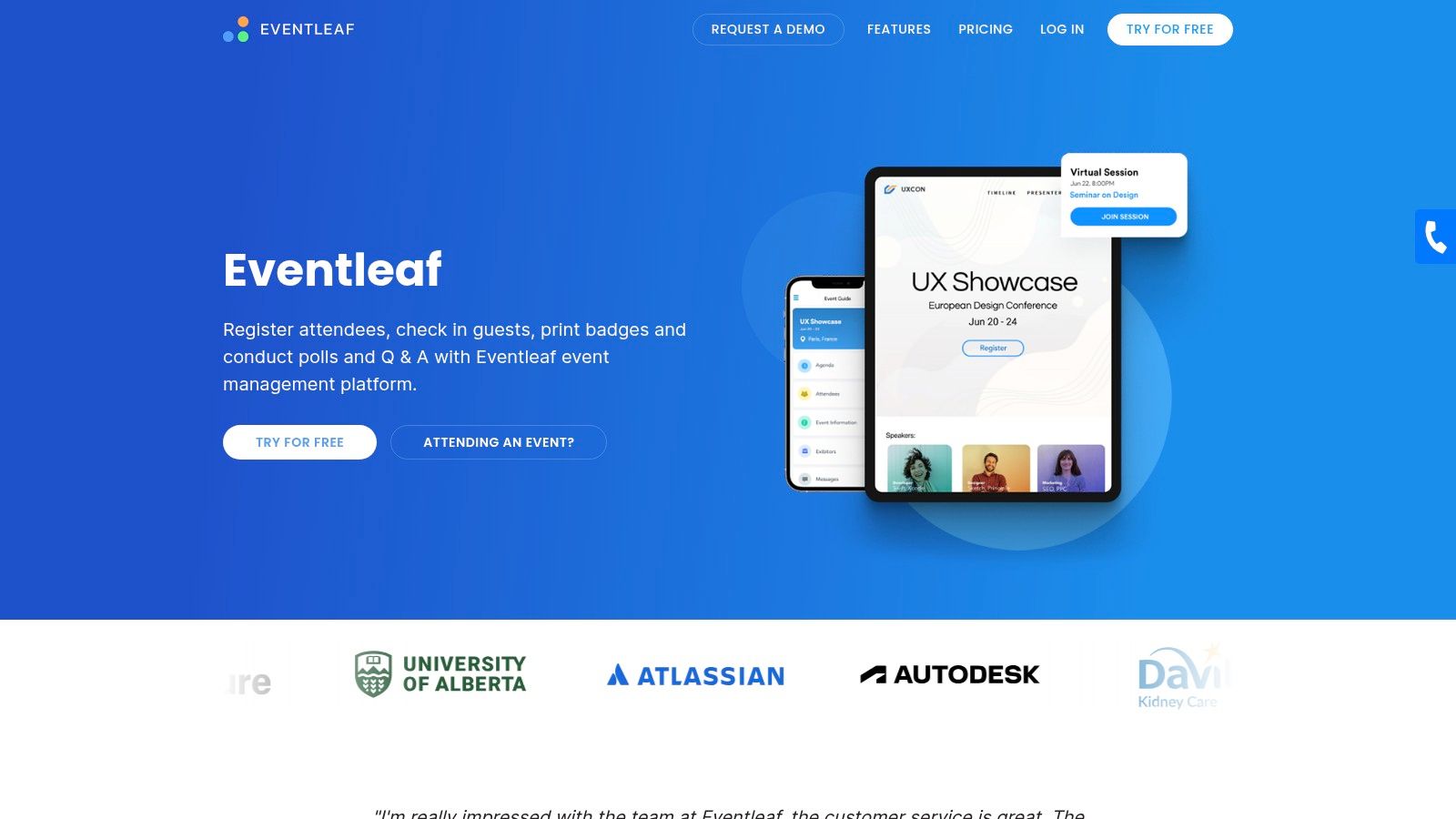
Eventleaf pairs everyday event operations with abstract submission tools, which makes it worth a look for organizations that want registration and program intake in one purchase. Customizable abstract forms and invitations handle the front end. Reviewer assignment, scoring, and accept-or-reject decisions handle the middle, and accepted submissions can create speaker profiles and agenda sessions automatically.
That abstract-to-session handoff is the feature to test hardest, because it removes a tedious copy step between your committee's decisions and your published agenda. Registration, badges, an attendee app, and listed CE and PDH credit and certificate features extend the platform into onsite and post-event work.
Credit features deserve a careful read, though. The AMA and ACCME glossary notes professionals use credits for maintenance of licensure, specialty-board certification, credentialing, and professional society membership. A certificate that doesn't match your accreditor's record requirements creates real problems for your learners, so verify the credit logic against your specific rules.
- Pros: Public pricing for several plans, abstract-to-session workflows that reduce re-entry, and tools that reach registration and onsite check-in.
- Cons: The free Starter plan is limited to 100 attendees per year, and some plans and processor choices involve fees, so compare total cost rather than headline price.
Website: Eventleaf
10. Accelevents
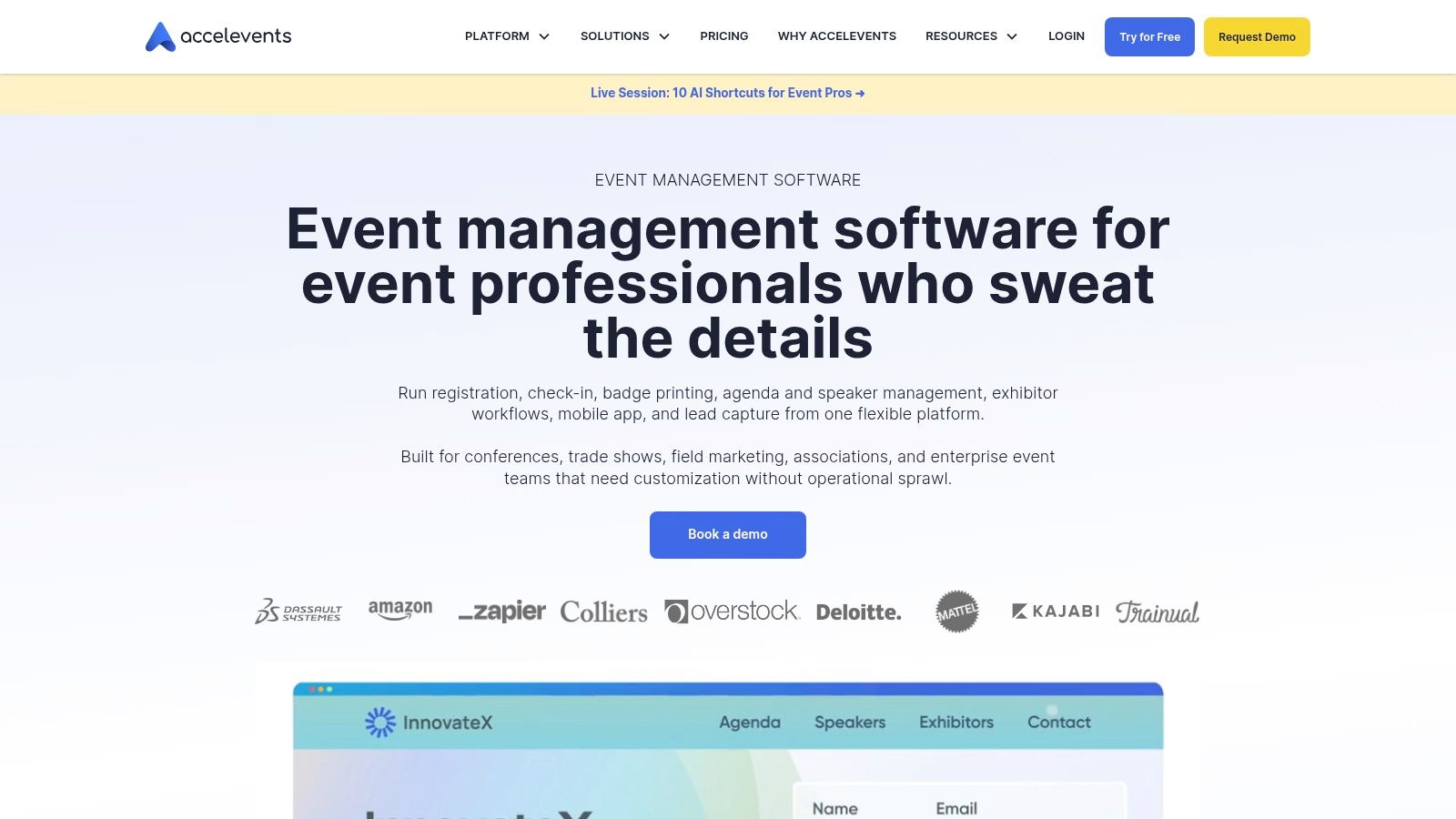
Accelevents rounds out the list as a combined abstract, registration, and delivery platform for in-person, virtual, and hybrid programs. Its feature set includes abstract management, a call for speakers, agenda management, and a speaker portal, plus registration, check-in, badge printing, and an event website. Continuing education credit tracking is listed among its event management features.
Published starting prices give you a budget reference before a sales call, and the vendor lists support as included across its plans. That's a reasonable starting position. The details still decide the deal, because the mobile app and virtual event hub may be add-ons, and starting prices may be substantial if you're running a single annual event.
The US market context helps explain why so many platforms compete here. Grand View Research's US outlook reported the United States event management software market generated USD 5,362.9 million in revenue in 2025. With that many vendors chasing the same budget, feature matrices converge fast, so check the contract for the exact abstract, CE, and support functions included in your tier.
If part of your program runs as standalone webinars rather than conference sessions, comparing webinar software costs and features can help you decide what belongs in your main platform and what doesn't.
- Pros: Combines abstract and speaker functions with registration and delivery, with published starting prices.
- Cons: Add-on pricing for app and virtual components can change the value calculation quickly.
Website: Accelevents
Cloud Based Event Management Software
| Best for | Pricing model | Standout capability | Weak spot to verify |
|---|---|---|---|
| Planstone, recommended for associations and education teams managing complex conference workflows | Pricing not published; contact the team | Configurable workflows spanning abstracts, reviews, speaker tasks, credits, and certificates | Setup may require planning; confirm cost and fit |
| Associations and meeting teams managing in-person, virtual, or hybrid events | Quote-based | Combines event operations with abstract and speaker workflows | Check extra costs for connectors or event-build services |
| Organizations running events at scale that need marketing and attendee tools | Contact Cvent for pricing | Broad event platform linking registration, abstracts, speakers, and sessions | Verify package coverage and configuration complexity |
| Associations and nonprofits running education-heavy events | Quote-based | Connects abstract review, speaker management, evaluations, credits, and certificates | Confirm included modules and implementation costs |
| Organizers prioritizing attendee engagement and event apps | Quote-based | Links submissions to the agenda and attendee-facing event information | Verify included features and specialized CE-credit support |
| Organizers seeking modular tools for onsite, virtual, or hybrid events | Published pricing; add-ons and per-attendee costs may apply | Modular event platform with abstract, speaker, app, and CE tools | Check add-on costs for app branding, onsite support, and credits |
| Scholarly conferences needing peer review and program building | Quote-based | Reviewer allocation with conflict-of-interest controls and blind-review options | Confirm credit, certificate, and disclosure workflows |
| Academic and scientific conferences seeking published plans | Free tier and published annual pricing; limits apply | Combines abstract review with website, registration, program, and app | Check submission limits, service fees, and CE capabilities |
| Organizers wanting abstract submissions and event operations together | Public pricing for several plans | Accepted submissions can flow into speaker profiles and agenda sessions | Compare plan and payment fees; verify accreditation requirements |
| Teams combining abstract management with in-person, virtual, or hybrid event delivery | Published starting prices | Combines abstract, speaker, agenda, registration, and CE features | Verify add-on costs and exact feature coverage |
How to Choose and What to Ask Before You Demo
Start with your workflow, not a vendor's sizzle reel. The broader shift behind every platform on this list is the move from locally managed databases to hosted services, a pattern Eurostat's enterprise cloud computing statistics track across European Union businesses as paid cloud services became standard organizational IT. One 2025 estimate put cloud deployment at 62.3% of the enterprise event-management software market, compared with 37.7% for on-premises. Cloud access is table stakes now. Workflow fit is the differentiator.
Work through these steps before you book a single demo:
- Map your submission-to-credit workflow. Write out every handoff from abstract intake through review, session building, speaker tasks, disclosures, attendance, evaluation, and certificate. Mark where staff re-enter data today.
- Decide which systems stay. Note your AMS, registration provider, AV partner, and event app, then define which system owns each field when records disagree.
- Shortlist two or three platforms. Pick based on your hardest workflow, whether that's blinded peer review, disclosure mitigation, or credit rules, not on total feature count.
- Bring real work to the demo. Use an actual abstract, a late speaker, a relevant financial relationship, and a partial-credit attendee. Measure manual touches, reconciliation errors, and time from event close to certificate.
The right question isn't "Does it integrate?" It's "What happens when the systems disagree, and who finds out first?"
I recommend Planstone when your priority is configurable modules that sit alongside the systems you already run, rather than an all-in-one replacement. We've worked with associations and education teams since 2003, with a dedicated account manager and specialists who learn your process, and integrations spanning AMS, registration, AV, and mobile app providers. If your program is a simple ticketed event with no review or credit layer, a lighter tool on this list may serve you better, and that's a fair outcome.
Frequently Asked Questions
How is cloud based event management software usually priced? You'll see quote-based enterprise contracts, published annual plans, per-attendee or per-submission tiers, and free plans with volume caps. Payment processing, app branding, extra modules, and professional services often sit outside the headline price, so model total cost against your expected submissions and registrations.
What should credit tracking do? It should connect each participant to the activity, credit designation, participation evidence, and required evaluation, then apply your program's rules before issuing a certificate. Ask how partial attendance, session-level credit, and later verification requests are handled, and test it with a messy real case.
How do I judge integrations beyond a logo list? Ask for field-level mapping, sync direction, conflict handling, change logs, and failure alerts, then run a pilot record through every connected system. Our platform connects with membership systems, registration providers, AV partners, and mobile apps, and for a conference consultation we ask about your program, existing systems, and team requirements first, then discuss where we can help. Request that consultation with your workflow map in hand, and we'll tell you whether we fit.
If your team is tired of stitching abstracts, speaker files, disclosures, and credit records together by hand, we'd like to show you a cleaner way to run it. Our configurable modules connect submission through certificate, work alongside your existing systems, and come with a dedicated account manager who knows your program. Visit Planstone to request a conference consultation and talk through your workflow with our team.